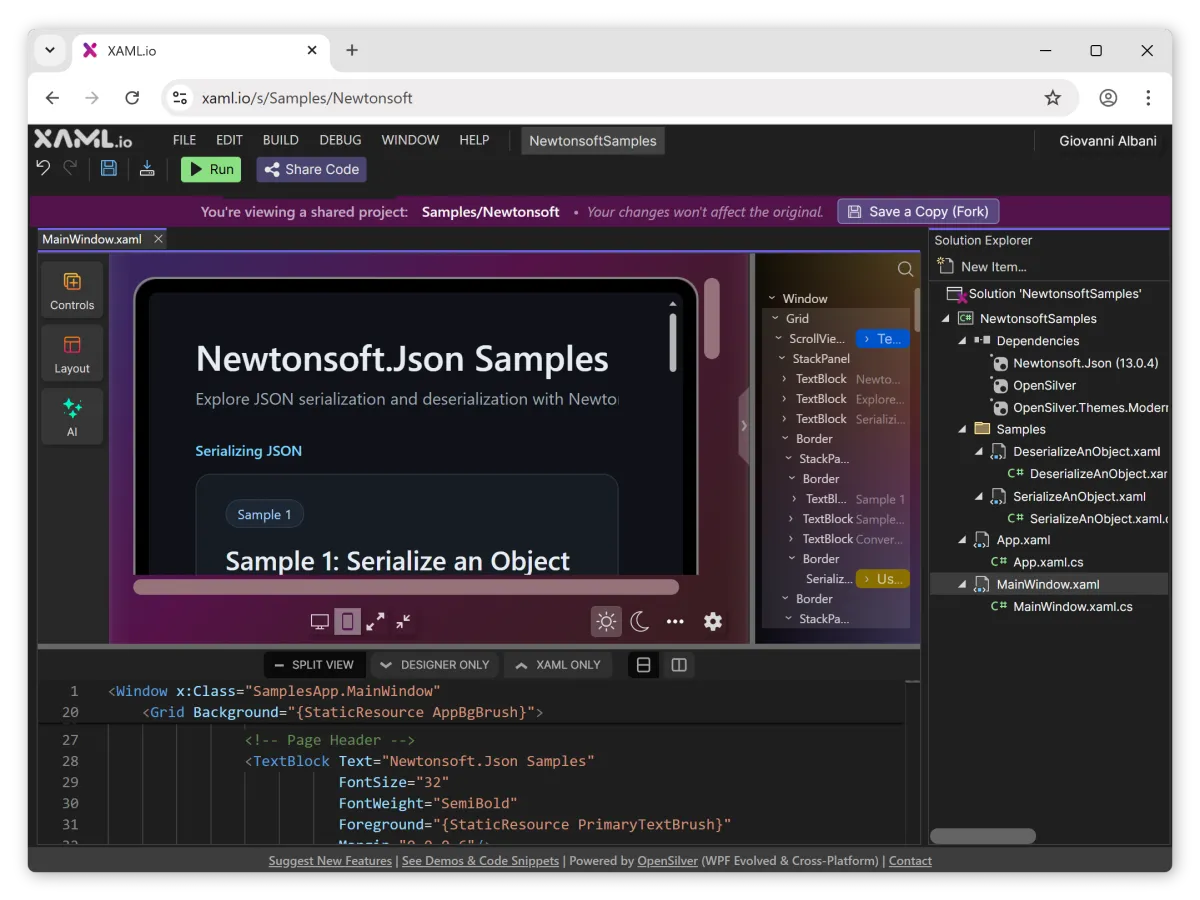

XAML.io, a free browser-based integrated development environment for .NET, has released version 0.6, adding NuGet package support and URL-based project sharing.
The update expands what developers can do in a browser without installing an IDE or configuring a local SDK. It also shifts XAML.io toward a project-based environment, with multi-file projects and a visual interface designer alongside a C# editor.
NuGet support
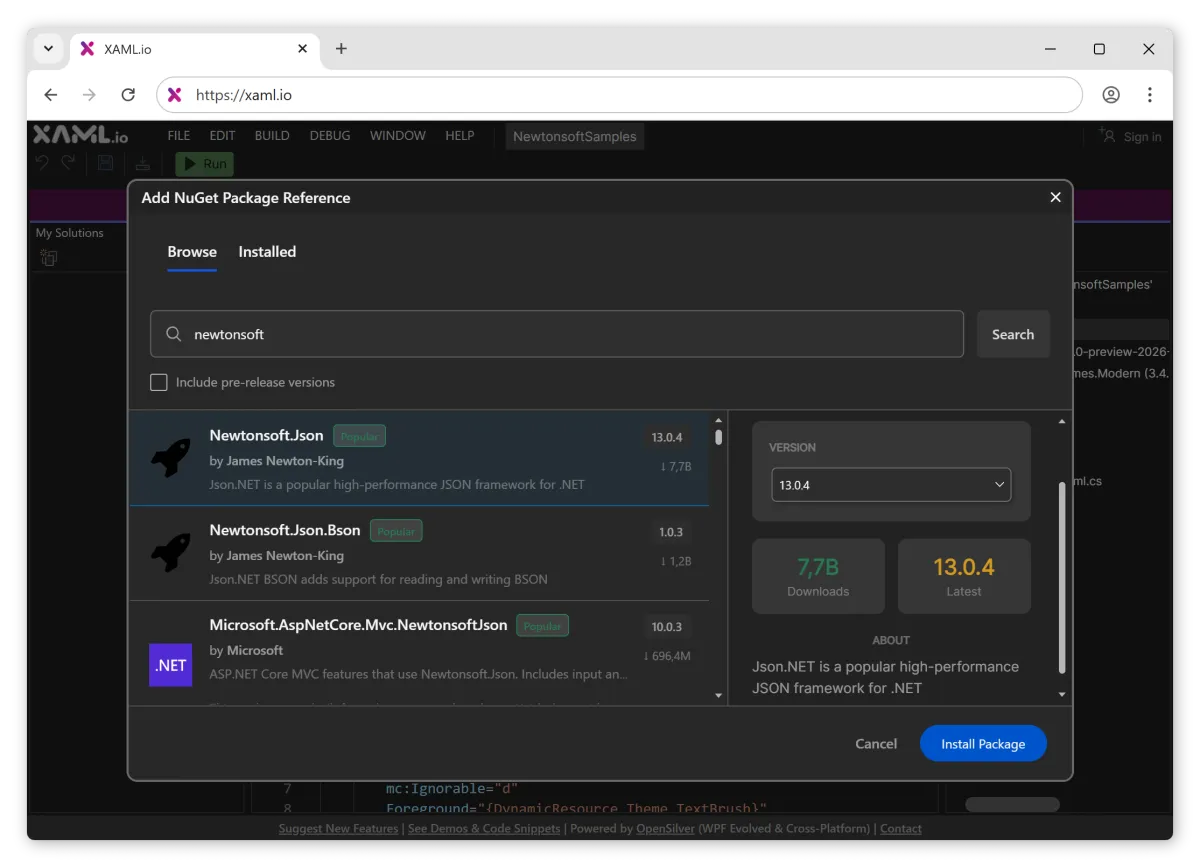
Version 0.6 lets developers add compatible NuGet packages directly in the browser. A Solution Explorer shows a Dependencies node, where users can search for a package, choose a version, and add it to the project.
This release supports non-UI .NET libraries that work with Blazor WebAssembly, including packages targeting .NET Standard 2.0 and 2.1 and .NET versions 5 through 10. It also supports OpenSilver-compatible UI libraries.
Eight sample projects highlight popular libraries including Newtonsoft.Json, CsvHelper, AutoMapper, FluentValidation, YamlDotNet, Mapster, Humanizer, and AngleSharp. Each sample opens as a complete browser project and can be run from the same interface.
Sharing by link
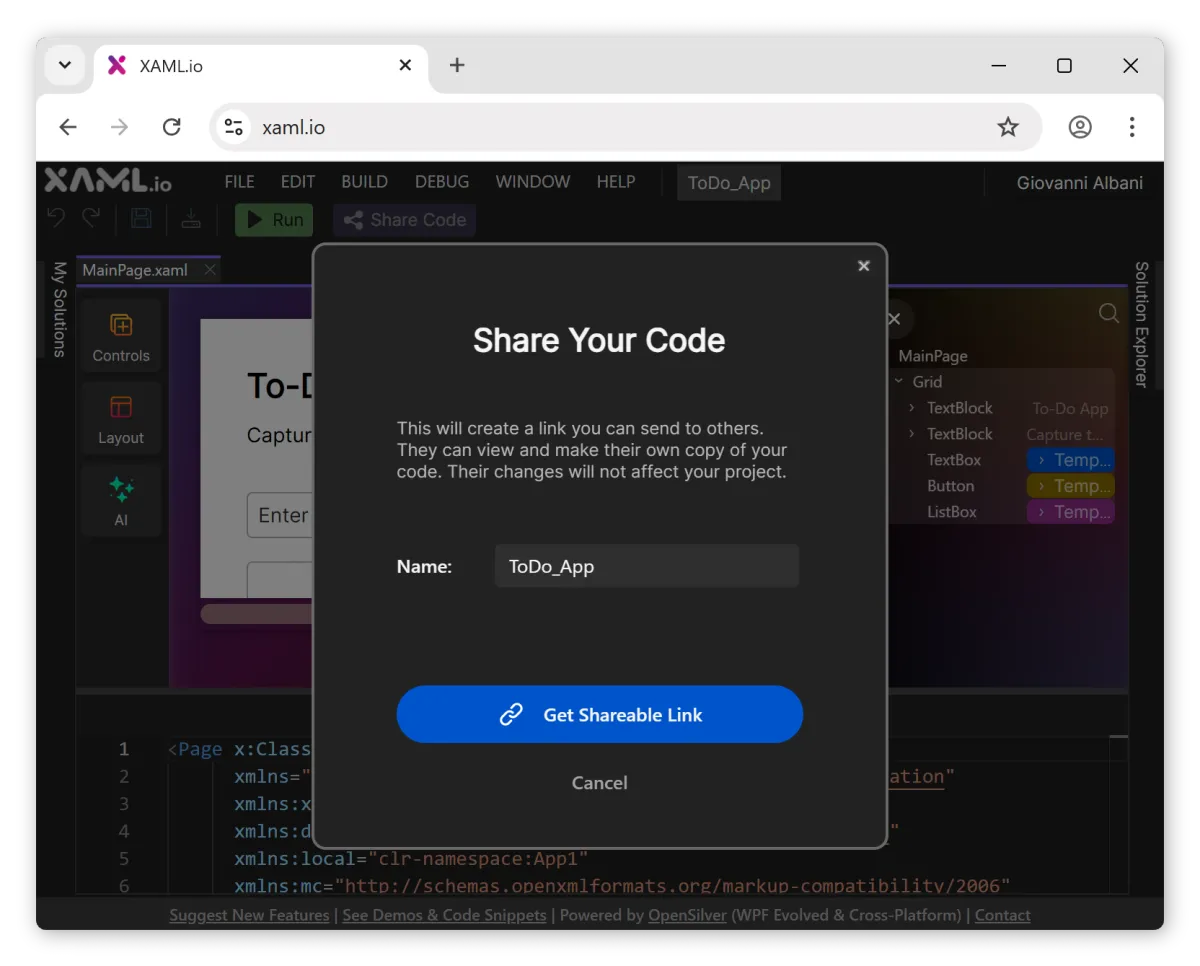
Version 0.6 also adds URL-based code sharing. Users can generate a share link and send it to others. Anyone opening the link sees the full project in the browser IDE, including the file tree, code editor, and designer.
Recipients can run the project and make changes, and the tool supports forking. Changes in a fork do not affect the original project. Forks retain attribution through a "Forked from…" link, creating a visible chain of derivation within the service.
Giovanni Albani, CEO of Userware, said the change reflects how developers exchange working examples during collaboration and problem solving.
"The most common request since we launched the preview was 'Can I share this?'" said Giovanni Albani, CEO of Userware. "Once we had NuGet packages, sharing became the obvious next step. Now you send someone a link to a running .NET project and they're in it in seconds."
How it runs
XAML.io compiles and runs projects in the browser using WebAssembly. According to the product description, it does not rely on a server-side build step. That approach is common in JavaScript tooling, but remains less typical for .NET environments that depend on locally installed toolchains.
The service is built on OpenSilver, an open-source reimplementation of parts of the WPF and Silverlight APIs for the browser. In this model, developers build the UI layer using XAML. The output renders as HTML elements rather than via a canvas-based approach, which the company says preserves behaviours such as text selection and accessibility features.
XAML.io also targets developers familiar with WPF-style project structures. Projects use separate XAML and C# files, and the interface includes a drag-and-drop designer with more than 100 controls.
Workflow and portability
Userware says developers can download projects created in XAML.io and continue working in tools such as Visual Studio or VS Code. Albani described the service as focused on user ownership and portability.
"Everything you build on XAML.io is yours," said Albani. "Download it, open it in Visual Studio, deploy it wherever you want. The underlying framework is fully open-source. There is no lock-in."
That stance addresses a common concern with browser-based development tools: proprietary formats or hosted build pipelines can make code hard to move elsewhere. Userware is positioning XAML.io as a lightweight starting point rather than a replacement for local environments.
Other changes
The 0.6 release also includes incremental updates rolled out over recent months, including XAML autocompletion, error underlining, and a split view that shows XAML markup alongside the designer.
XAML.io includes a "Fix with AI" option for XAML compilation errors. The feature requires sign-in and uses a credit model, with free credits included.
New projects now start with a WPF-style default template, including MainWindow.xaml and StartupUri. The release also adds improvements aimed at mobile browsers, although desktop use is still recommended.
Limits and roadmap
XAML.io remains in technical preview. Current limitations include support for single-project solutions only and no debugger. Multi-project support is planned, and the company says performance will improve in future releases.
Userware, founded in 2007 and based in Paris, builds developer tools for the .NET ecosystem and maintains OpenSilver. It also provides migration services for organisations modernising applications built with WPF, Silverlight, and LightSwitch.