

PDQ adds live device access tools for Windows, Mac
Wed, 4th Nov 2026 (Today)
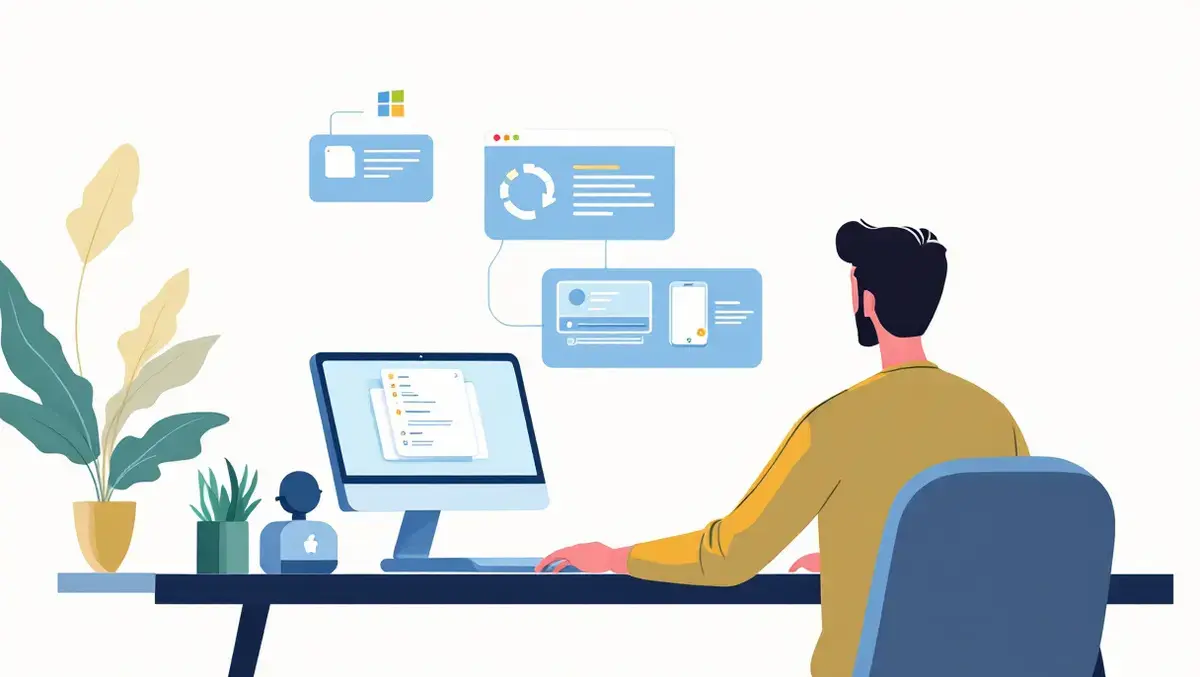
PDQ has launched live device access tools for remote Windows and macOS management, adding remote shell, live file explorer and automatic remote desktop agent deployment to its platform.
The tools are intended to help IT administrators investigate and fix device issues without immediately opening a remote desktop session or taking control of a user's screen. They work within PDQ's existing interface, allowing admins to act on devices in real time while remaining in the background.
Remote shell gives administrators an interactive terminal inside PDQ, where they can move through directories, run commands and review output while troubleshooting. The company said it goes beyond one-off command execution in cases where IT teams need to follow results and adjust their investigation as new evidence emerges.
Live file explorer provides access to a device's file system without a screen-sharing session. Administrators can browse and search files, retrieve logs, and upload, download or delete files from within the platform.
The initial version supports transferring one file at a time and includes file-size limits. The live device tools support managed Windows and macOS devices and are available through PDQ's Plus and Premium plans.
For situations that require visual access, PDQ has also introduced automatic deployment of its remote desktop agent. The setting installs the agent on existing devices and future enrolments, while offline devices receive the software after they reconnect and check in.
The move addresses a common issue for IT departments managing dispersed workforces and remote endpoints. Administrators often need to inspect a machine to determine the source of a problem, but opening a remote desktop session can interrupt the user even when the task only requires command-line checks or file access.
PDQ said the approach lets teams choose a level of access that matches the task. An administrator can start with a terminal session or file inspection and switch to remote desktop only if a graphical interface is necessary.
Mark Littlefield, Vice President of Product at PDQ, said the tools are designed to reduce disruption during support work. "IT teams shouldn't have to take over someone's screen every time they need to investigate a device," Littlefield said. "Remote shell and live file explorer give administrators a way to work behind the scenes, understand what's happening, and escalate to remote desktop only when the screen is actually necessary."
Broader update
The launch is part of a wider product update from PDQ that also includes dashboard changes, new AI features and several tools entering early access. The additions point to a broader effort to expand its device management platform beyond software deployment and patching.
Among the updates, an expanded AI assistant has moved into open early access. PDQ said the assistant can use supported package, deployment and device context to explain deployment results, investigate device issues and suggest diagnostic steps, although administrators must approve actions before anything runs on a device.
Dashboard changes include the option to show or hide widgets, change their order and resize them. New and revised views include a most vulnerable devices widget, a configurable low-disk-space threshold and a more compact operating system patching display.
PDQ also said Managed Software Centre, Software Policies v1 and role-based access controls for device actions are moving into closed early access. The features suggest the company is continuing to build out governance and self-service functions for IT teams managing larger fleets.
Founded in 2001 and based in Salt Lake City, PDQ says it serves more than 33,000 customers. Its software focuses on endpoint management for Windows and macOS devices, including patching, software deployment and vulnerability management.